AI TOOL / #08331
Raycast AI Lite
Productivity tools that integrate AI, offer expansion capabilities, and allow for customization.
Introduction
Productivity tool with AI, extensions, and customizable features.
What is Raycast?
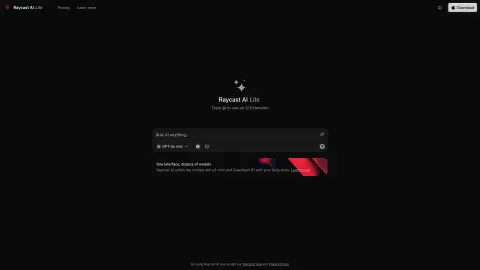
Raycast is a productivity tool that combines cutting-edge AI technologies with powerful expansion capabilities, and it runs directly on your operating system. It offers both a free version, Raycast AI Lite, and a Pro version, which includes additional features such as AI support, cloud synchronization, and custom themes. Raycast is designed to serve as a fast and efficient way to perform various tasks, providing users with a range of powerful tools all within a single, scalable interface.
How to use Raycast?
Raycast can be downloaded and installed on your operating system. Once installed, you can use it as a launcher to access a variety of tools and extensions. The Pro version unlocks additional AI features, cloud synchronization, and custom themes.
The core functionality of Raycast
AI chat
clipboard history
Quick link
calculator
code snippet
Emoji Selector
Window management
expand
Cloud Sync (Pro)
Custom Theme (Pro)
Related
PureStretch
An AI-driven stretching application that offers personalized training and 3D guidance.
FitAI
AI-powered nutrition tracking apps provide personalized health recommendations.
GoDiary: Running Tracker
GoDiary is a fitness application that automatically tracks users' workouts and provides detailed analysis of their exercise progress.
SuratFit
A comprehensive fitness app with personalized workout plans, progress tracking and community support.
metrical.fit
An AI-powered calorie-tracking app that features photo recognition and puts privacy first.
SmartGym
Smart Fitness creates personalized workouts, tracks progress, and provides AI-driven recommendations.