AI TOOL / #07326
ScreenScan – Instant Screenshot Search
Google Lens: Instantly capture, search, and explore images, videos, and text online.
Introduction
Google Lens: Instantly capture, search, and explore images, videos, and text on the web.
What is the Google Lens AI Chrome extension/plugin?
Google Lens is a powerful tool that allows users to instantly capture, search, and explore any image, video, or text online with a simple tap. It uses advanced image recognition technology to provide relevant information and insights based on what it sees. Whether you want to identify a plant, translate text in real time, find similar products, or learn about a landmark, Google Lens can help you discover more about the world around you.
How do I use the Google Lens AI Chrome extension/plugin?
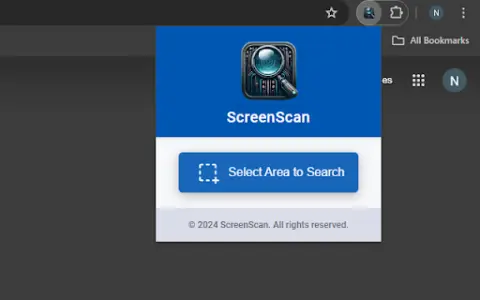
Simply tap an image, video, or text on a web page, and Google Lens will analyze the content and provide relevant information, search results, and related actions.
Core Features of the Google Lens AI Chrome Extension/Plugin
Image Recognition
Text Translation
Product Identification
Object Recognition
Visual Search
Related
ImageFlow
A free PSD-level image editing tool that runs within web browsers.
Maxworker
AI colleagues living in Slack
TalkPix AI
A single photograph can be used to create a video that is capable of “speaking”.
Supademo AI Demo Agent
An interactive product demonstration that provides answers to users' questions
Velozity
A virtual office where teams work alongside AI intelligent agents
Ownfeed
Every day, help you identify the posts that require your products.