AI TOOL / #07230
hahaOCR
Extract text from the image; press the ESC key to exit.
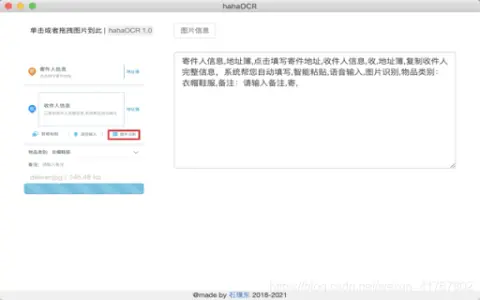
Introduction
Extract text from images and exit with ESC.
What are the Image to Text and ESC Exit App AI Chrome extensions/plugs?
This application allows users to extract text from images and convert it into editable text. Users can upload images by clicking a button and exit the application by pressing the “ESC” key.
How to use the Image to Text & ESC Exit App AI Chrome extension/plug-in?
Click the upload button to select an image. The application will automatically extract the text from the image and display it. Press the “ESC” key to exit the application.
The core functionality of the Image to Text and ESC Exit App AI Chrome extension/plugin.
Image to Text conversion
Use the ESC key to exit the function.
Related
AI Board (GPT Support)
A secure ChatGPT API for enterprises, with enhanced features.
AI Haggler
AI agents are used in hotel price negotiations and for making business calls.
Solda AI
Provide a fully automated AI sales department for B2C businesses, capable of handling the qualification process of potential customers as well as managing the entire sales cycle.
WorkBot
An AI-driven customer service platform designed for automation and data analysis.
WaveBotAssist
ChatGPT-based smart conversation assistant Chrome extension designed to enhance your browsing experience.
Sam, the AI Recruiter
Sam is an AI voice solution for automating candidate screening and interviews.