AI TOOL / #02660
Grok Button
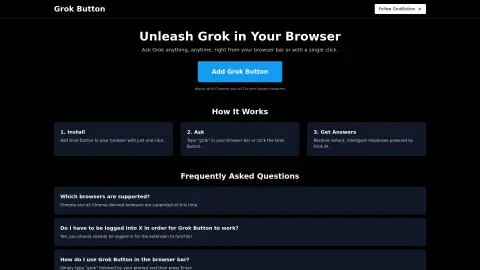
A browser extension that provides quick access to Grok AI.
Introduction
A browser extension for quick access to Grok AI.
What is a Grok Button?
The Grok button is a browser extension that seamlessly integrates the powerful capabilities of Grok AI into your web browser. Users can submit their questions by entering “grok {your question}” in the browser address bar or by clicking the Grok button, and they will receive instant, intelligent responses.
How to use the Grok Button?
Install the Grok button extension. To use it, enter “grok” followed by your question in the browser address bar, then press Enter, or click the Grok button.
The core functionality of the Grok Button
Quickly access Grok AI from your browser.
Answer questions immediately
Integration with Chrome and Chrome-based browsers
Related
Offstage Cloud
Cloud-based macOS sandbox for AI agents
Douban Reading
Original Literature and Digital Publishing Platform
Project Gutenberg
A globally renowned library of free e-books
OpenStax
Free Open University Textbook Platform
The Millions
An independent literary criticism and reading platform
Wuxiaworld
Eastern Fantasy and Online Literature Translation Platform