AI TOOL / #02182
Autodoc
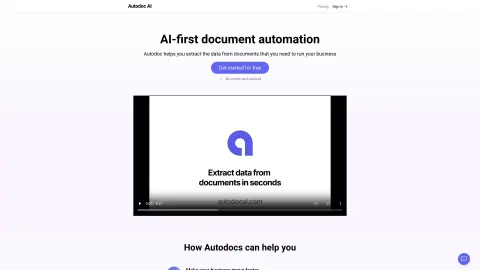
Autodoc extracts data from documents by using simple Chinese definitions and straightforward procedures.
Introduction
Autodoc extracts data from documents using plain English definitions and simple steps.
What is Autodoc?
Autodoc is capable of extracting data from documents. Without the need for complex formats or settings, users can simply define the content they want in Chinese, upload their documents, obtain the desired results, and then export them to their preferred tools.
How to use Autodoc?
Steps to use Autodoc: 1) Define the content you want to document in simple Chinese; 2) Upload the document; 3) Obtain the results; 4) Export them to your preferred tool.
The core features of Autodoc
Extract data from the document.
Define the extraction requirements in simple Chinese terms.
Upload documents with ease.
Export data to various tools.
Related
365id Integration – Sixt Cobra (USB)
Car rental management software with automatic ID verification.
Review My eLearning
An AI-powered online learning review platform that simplifies the process of providing course feedback and ensuring quality.
MyDetector
AI-based detection systems and user-friendly interfaces ensure the authenticity and quality of the content.
AI Image Detector & Fake Picture Check Online
Chrome extensions are used to detect images generated by AI.
Profound Academy
A hands-on computer science learning platform designed for teachers, offering automated and interactive courses.
Verisquad
An artificial intelligence-based system for fact-checking, statement verification, and truth detection.