AI TOOL / #10736
EasyDictation.app
An application that uses YouTube videos for dictation practice to help improve English listening skills.
Introduction
An app to improve English listening skills through dictation practice using YouTube videos.
What is EasyDictation.app?
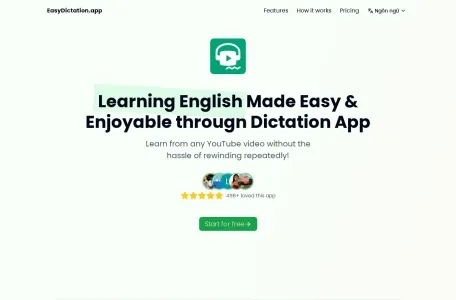
EasyDictation.app is an application designed to help users improve their English listening skills through dictation exercises. It allows users to learn from any YouTube video without having to repeatedly rewind the content. The app automatically divides the video into segments based on sentences, pauses the video accordingly, and provides sentence-based controls. It also includes features such as AI-powered text-to-speech conversion, which can be used for practicing the “shadowing” method and checking accuracy.
How to use EasyDictation.app?
1. Select a YouTube video: Choose any English video that you would like to use for practicing dictation and copy its link.
2. Add the video to EasyDictation.app: Paste the copied video link into the application. It takes approximately 5 minutes for the app to process the content – this includes generating a transcription and using artificial intelligence to complete the task.
3. Start learning and track your progress: This app allows you to practice dictation easily, create reports, and monitor your progress. The data is synchronized and can be accessed from anywhere.
The core functionality of EasyDictation.app
Automatic accuracy checking and recommended dictation exercises
Automatically translate sentences based on the context.
Pronunciation guidelines and International Phonetic Alphabet (IPA) transcriptions for each word
You can add any YouTube video, whether it contains subtitles or not.
Generating AI subtitles for videos that currently lack any subtitles at all.
Use AI feedback to practice speaking and shadowing.
Progress tracking and reporting
Related
Vocera
Cekura offers solutions for testing AI voice assistants as well as ensuring their operational visibility.
Insight7
An artificial intelligence-driven customer research tool that enables rapid collection of customer feedback and insights derived from interview analysis.
Memoir
An iOS app for converting voice recordings into text notes, with AI assistance.
Synth Extension
An AI conference assistant with multi-language support, integrated with CRM and automatic document generation features.
Avoma Scheduler
Avoma automates meeting tasks, providing notes, transcripts, and insights.
Astra Health AI
An AI document assistant designed to automatically generate clinical records based on conversations between patients and clinicians.